
South St. Paul Resident Lookup Coverage
There is no official South St. Paul master resident search. A responsible name search uses the record type that fits the question and treats every result as a source-specific fact. The table separates what a record can establish from what it cannot. Court and public-history systems are not a complete account of a person. A parcel search maps a property, but the public Dakota County screen does not document owner-name searching. Historical collections may help identify a past household, while a statewide license result is limited to the credential record it publishes.
| Record | What it can confirm | Official route | Access limit |
|---|---|---|---|
| MCRO case search | A public case matching the search criteria | Minnesota Court Records Online | Free online search; certified copies come from court administration |
| BCA public history | A Minnesota public-history result under the supplied identity | Minnesota BCA | Exact first name, last name, and date of birth are required |
| Vital-record routes | Defined event information under the record’s rules | MDH, Dakota County, MOMS, or district court | Eligibility and certified-copy limits vary by record |
| Property information | Parcel, address, tax, and map context | Dakota County Property Information Search | Address or parcel ID search, not a documented owner-name search |
| License systems | A published credential or category record | State agency lookup | Status is limited to what the agency reports |
Start with a dated name question. Use MCRO for a public court-record question, a county property search for parcel geography, and a historical collection for a past identity clue. The county polling-place tool is address to precinct only, not a public name search. Minnesota voter lists are instead controlled request products with lawful-use limits.
Begin a South St. Paul Resident Lookup
A name should be normalized before any South St. Paul portal search. Write down the full name, middle name or initial, suffix, spelling variations, and an approximate date only when it is lawfully known. Keep the query identity separate from the result identity. That distinction matters in a city served by statewide systems, where an exact match can return a person from another county. Save the field choices used, not only a screen capture, so a later comparison can be repeated without guessing which version of the name produced a result.
For a lawfully known South St. Paul address, Dakota County Property Information Search accepts a street address or parcel ID. It can supply the parcel, municipality, legal description, tax and valuation context, map layers, and a printable property card. It does not turn an address into a verified resident name. A mailing address can differ from the situs address, and a map marker does not establish occupancy.
Keep a source log. Record the URL, date, search fields, exact spelling, result title or number, and any redaction or no-result message before comparing records.
South St. Paul MCRO Name Checks
South St. Paul is served by Dakota County District Court in Minnesota’s First Judicial District. MCRO has separate case, document, hearing, and judgment searches. In Case Search, select Dakota County and begin with the exact spelling. Run separate searches with the full middle name, no middle name, a middle initial, punctuation or suffix variations, and, when useful, a trailing wildcard after at least two characters. Sounds Like can broaden a result, but it should not be used as identity proof. A date of birth or date range can help separate similar names when it is appropriate to use.
| MCRO control | How it narrows a South St. Paul search |
|---|---|
| Name Type | Selects the person, business, or attorney path |
| Last, First, Middle | Exact-name fields that support separate variant searches |
| Sounds Like | Broadens phonetic variants and needs careful review |
| Date of Birth | Exact date or date-range disambiguation when available |
| Date Filed and category | Limits a known period or civil, criminal, family, probate, or mental-health category |
| Court Location | Allows Dakota County or another selected location |
Minnesota Court Records Online Document Search provides the official document-search route by case number.
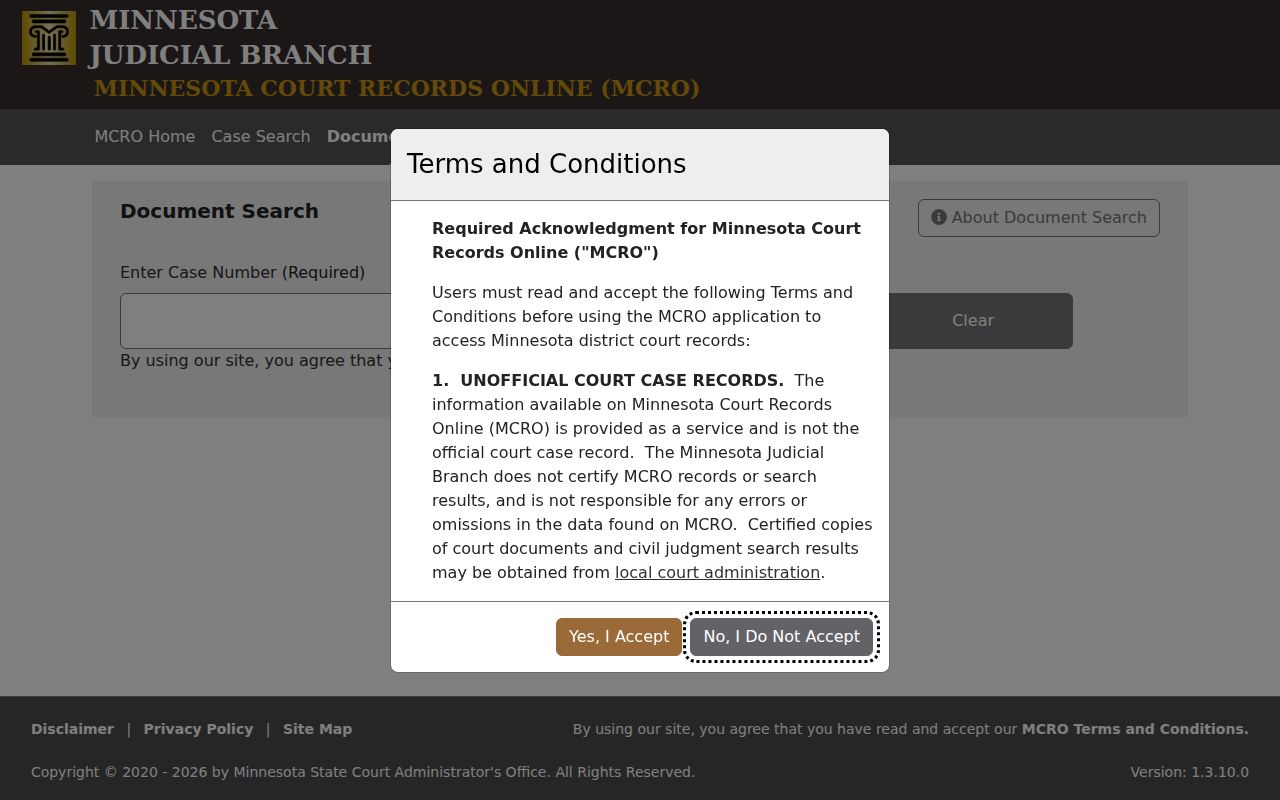
MCRO documents available online can be downloaded without a fee, but they are unofficial and noncertified. A South St. Paul case number, certified copy, or file not available through MCRO belongs with Dakota County court administration or a courthouse public-access terminal.
Verifying a South St. Paul Resident
A South St. Paul resident lookup is strongest when it tests one narrow fact at a time. Do not join records because a name and city match. Use two independent identifiers where lawful, such as a matching middle name and a dated event, then preserve the custodian’s wording. Court party roles, a directory entry, a license status, and a parcel reference all describe different things. The sequence below avoids treating an address tool or a broad phonetic result as proof of identity.
- Write the full query name and each variant, then identify the narrow question: public case, historical family clue, license record, or defined vital event.
- Run MCRO with Dakota County selected, recording the case number, title, category, status, and the path to case details for each plausible result.
- Compare a second, independent record. For a historical identity, use DCHS, Lawshe, a directory, census material, newspaper, cemetery, or church record with its date.
- For a defined death check, MDH’s verification screen uses exact first and last name plus either date of birth or Social Security number without dashes. It returns a name, date of death, and state file number when matched.
- Request a certified court or vital copy only when the custodian’s eligibility rules and the reason for the copy apply. A search-screen result is not a substitute.
- Docket
- The court’s running list of filings, events, and actions in a case, often called the Register of Actions in MCRO.
- Index versus image
- An index identifies a record or case. An image is the document itself, which may be unavailable, redacted, or subject to a separate access rule.
- Certified copy
- A copy issued by the record custodian with the certification required for an official use, rather than an ordinary online download.
South St. Paul Court Result Fields
A result inventory keeps the record from becoming more than it is. The official MCRO materials describe fields without requiring a named South St. Paul case as an example. A Case Search result can show matched name, case number, case title, category, status or location, and a View Case Details link. Case details can include filing information, party names and roles, possible date of birth, city, state, postal code, aliases, attorneys, a warrant flag, and the Register of Actions. A party warrant flag can concern another case, so it needs the case context.
| Record area | Documented fields to retain |
|---|---|
| Search result | Matched name, case number, title, category, status or location |
| Case details | Party role, filing information, aliases, attorneys, and case category |
| Register of Actions | Event dates, document index numbers, names, and available public-document links |
| Document result | Case number, case title, document name, and document-view route |
Pending criminal and traffic or petty-misdemeanor cases do not return by defendant name before conviction. Protected, expunged, destroyed, old, and local-only records can also be absent. A missing search result is not a finding about a person.
Minnesota BCA Public Criminal History Search requires a last name, first name, and date of birth after terms acceptance.
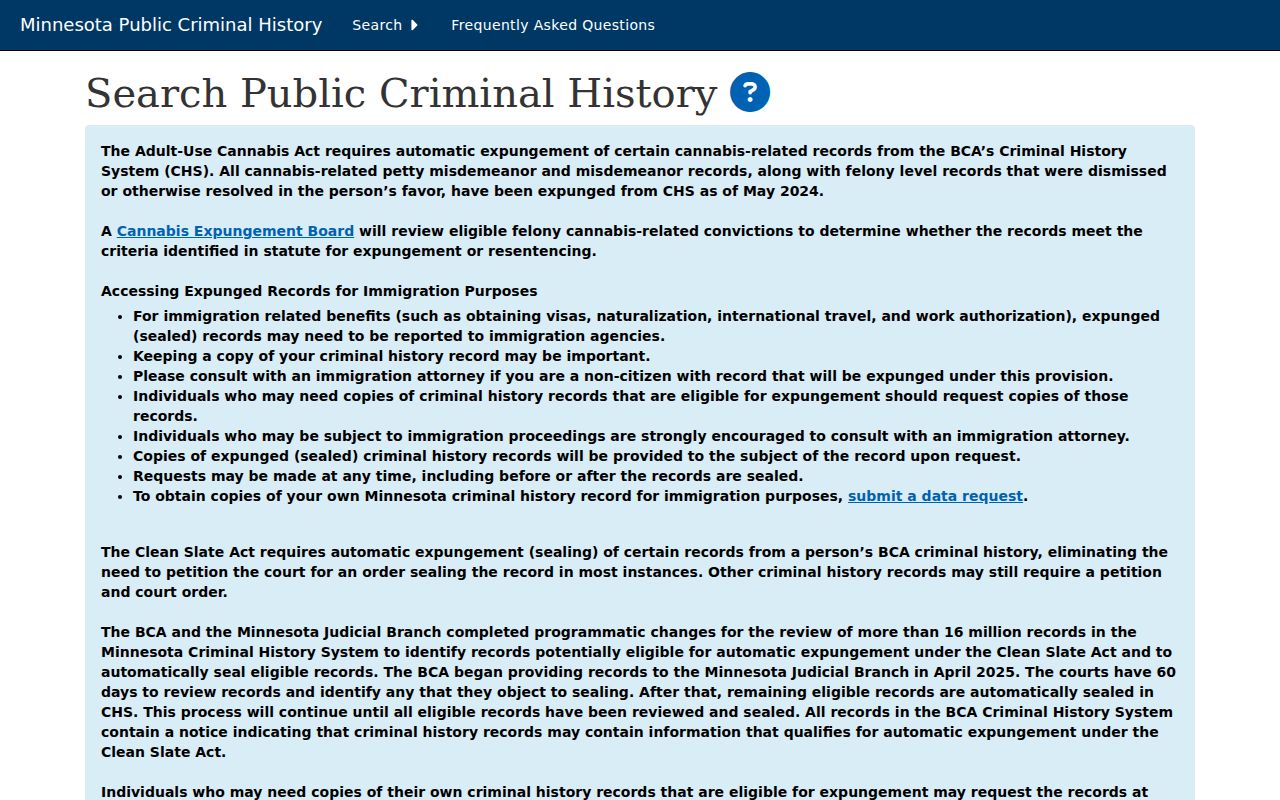
The BCA warns that a name and date result is not fingerprint-confirmed identity. Treat it as one narrow public-history result and keep it separate from MCRO, jail, and historical-source findings.
South St. Paul Historical Identity Sources
For a past South St. Paul household or family connection, the Lawshe Memorial Museum brings together local books, newspaper microfilm, census, cemetery and obituary records, church and naturalization records, plat maps, telephone books, city directories, oral histories, photographs, and local-organization papers. The DCHS Search Records tool has a keyword box and record-type selector, with church, cemetery, census, WWI biography, and other records among its more than half-million searchable entries. Search results remain partial, and a no-result is not proof that a person is absent from the collection.
The Saint Paul Union Stockyards records offer another time-specific route. Their finding aid covers 1886 to 1982, with personnel files mainly from the 1930s to 1950s, plus minutes, financial material, stockholder records, and real-estate or equipment appraisals. Some material is restricted and may need onsite or request access. An archival mention can connect a name to the collection’s subject matter, but it is not a complete resident or workforce list.
Confirm South St. Paul License Links
A state license record may be the right South St. Paul follow-up when the question is whether a published credential belongs with a name, city, or category. License Minnesota has individual and organization paths, though the unattended review did not expose every field label. Specialized systems differ. DLI iMS has license or registration number and additional criteria; the Medical Board uses name, city, license number, specialty, or ZIP; MDA uses license number, name, city, county, or program type; and AELSLAGID supports full or partial last name, a license or certificate, and first-letter browsing.
Minnesota DLI’s license and registration lookup includes a guest-search path for its covered categories.
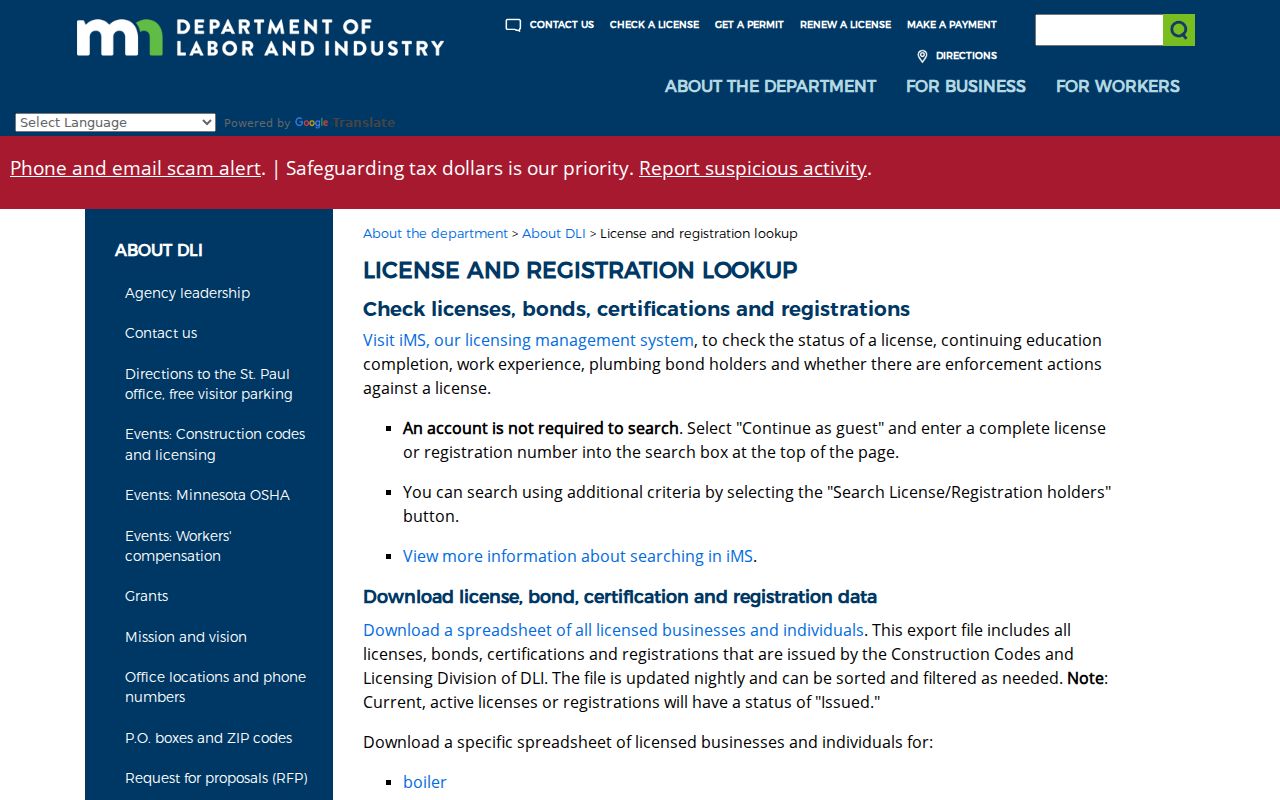
Keep the full name, license or certificate number, program or category, city or ZIP if shown, status dates, public documents, and last-updated date. AELSLAGID notes a one- to two-business-day lag, and a license result does not establish a person’s current physical location.
South St. Paul Resident Lookup Limits
The Minnesota Government Data Practices Act, Minn. Stat. ch. 13, begins with a presumption that government data are public unless another law or classification makes them not public. That rule is not a blanket South St. Paul identity tool. Ask for the narrow record, date range, location, and format needed. Inspection is generally free, but lawful copy charges may apply. A public field can sit beside private data, and required redaction does not mean the custodian has failed to search.
Use a result for lawful personal research, family history, a property or civic question, or to verify a source with its custodian. Do not use it to stalk, harass, intimidate, or harm anyone. Minnesota’s stalking statute is Minn. Stat. §609.749, and Minn. Stat. §609.748 provides harassment-restraining-order relief. Respect a protected or missing result instead of trying to reconstruct the information through unrelated records.
Lawful use. Keep South St. Paul resident lookup results tied to their original record and date. A matching name is not permission to contact, monitor, or expose a person.
South St. Paul Protected Addresses
Minnesota Safe at Home gives eligible South St. Paul participants a substitute PO box or address, forwards mail, and supports confidential voting. Its public explanation says voting through the program keeps the actual address from public voter data. When a source supplies a substitute address or no result, treat that protection as final. Court, vital, juvenile, victim, and other confidentiality rules can also make records unavailable online. The appropriate next step is the listed custodian’s process, not an attempt to infer the protected location.
Public voter-file material also excludes full date of birth, Social Security, driver’s-license or state-ID data, and several other identifiers. The request form requires certified permitted use and offers geographic products rather than an open person search. Such limits are part of accurate record reading, not a gap to work around.